
Survey list can be reached via VoC Store -> Surveys menu.
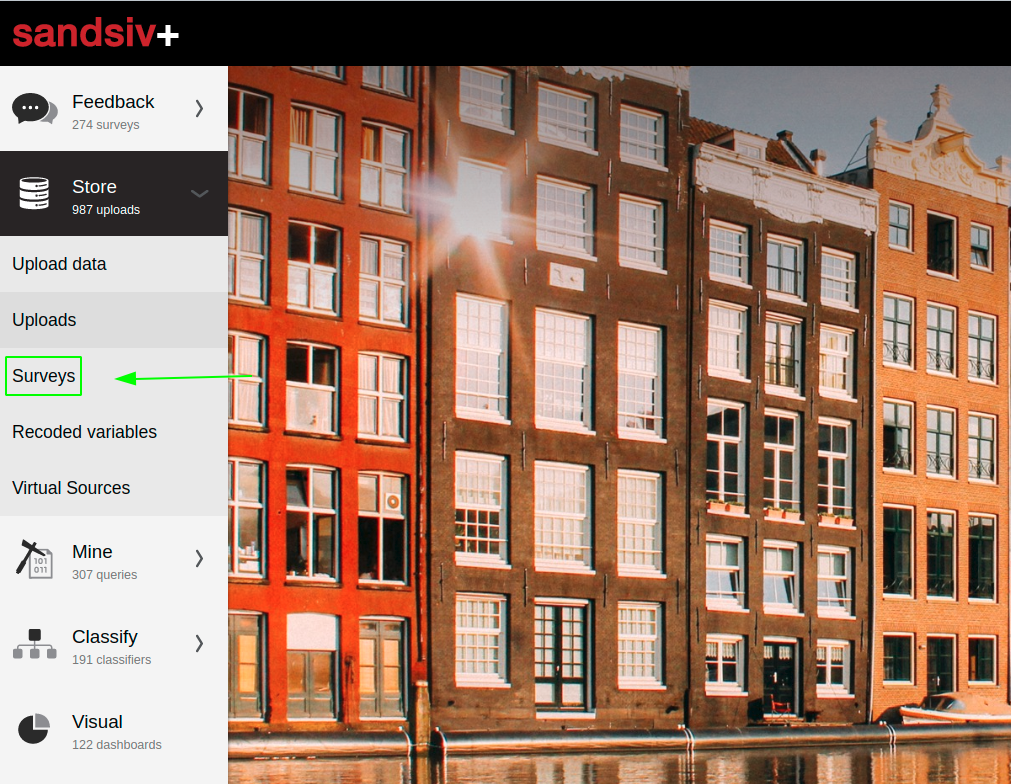
On the Surveys list page, all the available surveys are displayed, along with additional information on these Surveys.
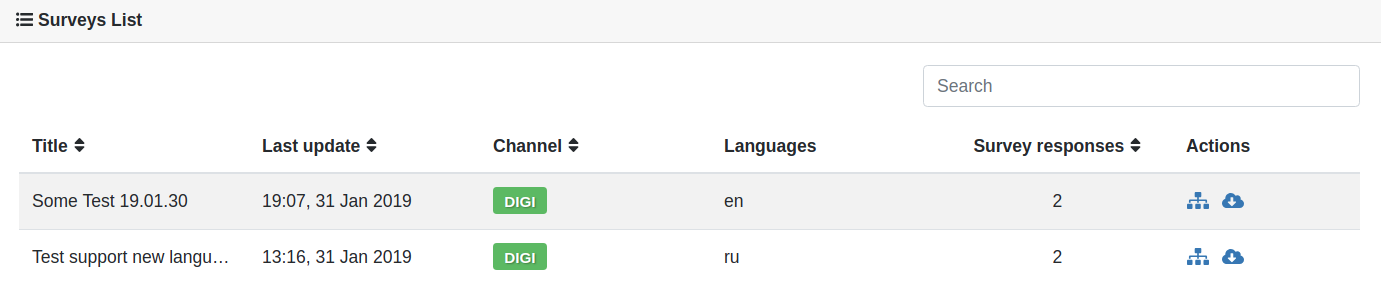
Here is an overview of the Surveys list columns:
| Title | The title of the Survey |
| Last update | The date when of the latest response to the Survey channel |
| Channel | The channel of the Survey |
| Languages | Survey languages |
| Survey responses | Count of responses to the particular Survey channel |
| Action | Icon | Description |
| Recode variables |  |
Recoding variables is a new way operating with data that allows "transforming" data it as needed. |
|
Download source |
 |
Exports all data related to the chosen survey: questionnaire metadata columns, question answers, classification results, QueryLabels, questionnaire state, and questionnaire end time. Note: the resulting file will be available for downloading in the VoC Hub notification area (bell icon) and will be compliant with the following parameters:
|
Currently, a response is considered to be a Questionnaire with states completed, terminated and extracted. You can find more information on Questionnaire states here.
Comments
0 comments
Article is closed for comments.